Create your first word book
A word book is a set of photos with a word on each page — Loro reads it aloud, or listens while your child reads and gives a gentle score. Here is the whole flow, from New book to “Well done!”.
Watch the full walkthrough
Making a three-page “ABC book” from start to finish — about 2½ minutes.
Three ways to get a book
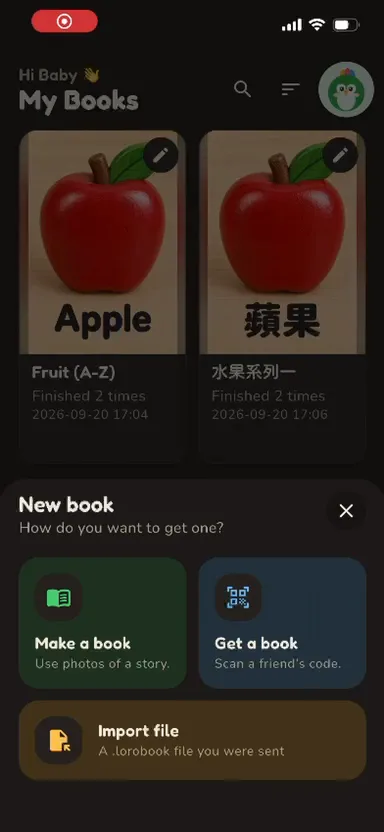
Tap New book on the My Books screen and pick one.
Make a book
Use photos of flashcards, a picture book or anything with a word on it. This guide covers this path.
Get a book
Scan a friend’s code to receive a book from their phone — no account, no cloud.
Import file
Open a .lorobook file we have shared with you. Ready-made books, zero typing.
Tap New book → Make a book
Open My Books and tap New book. Choose Make a book to build one from photos on your device.
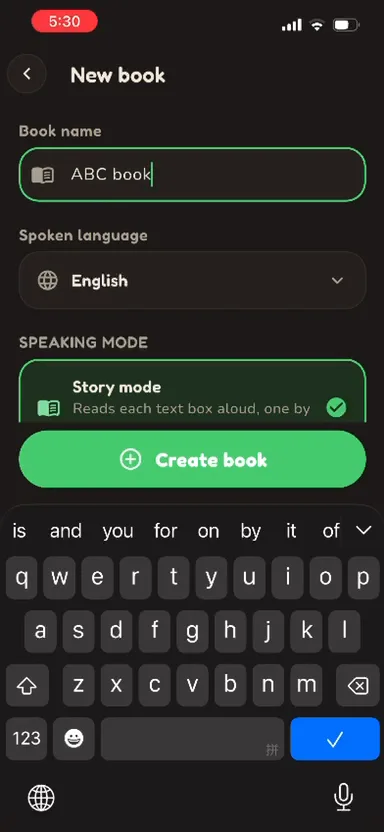
Name it and pick the language
Give the book a name (for example “ABC book”) and choose the spoken language Loro should read in. Then pick a mode: Story mode reads each page aloud; Practise mode lets your child read and gives a score.
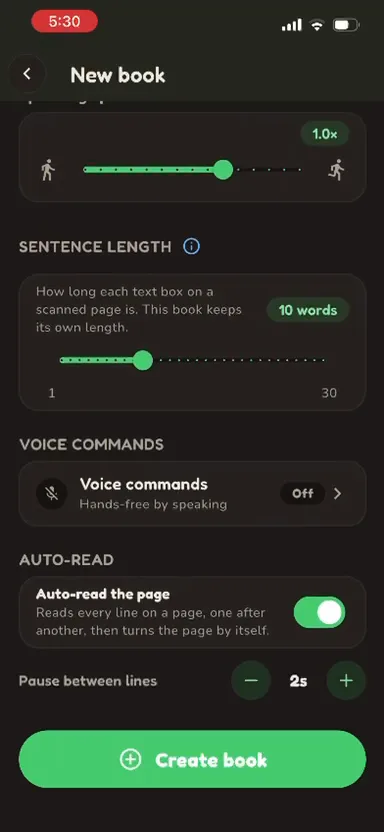
Tune how it reads (optional)
Set the speaking speed, how many words each text box keeps together, whether voice commands are on, and Auto-read — which reads every line on a page and turns the page for you. Tap Create book.
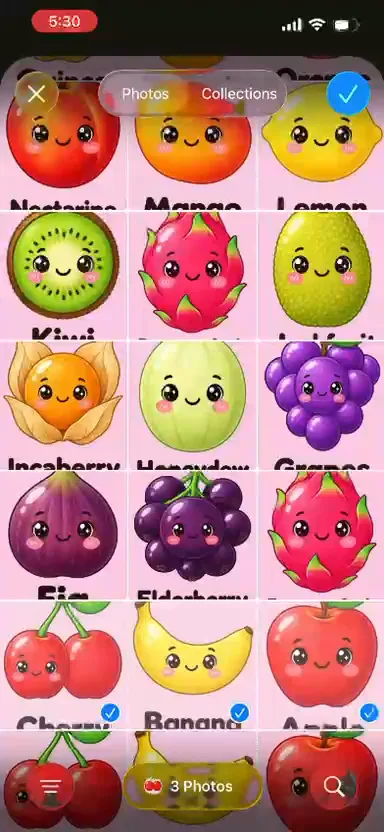
Add pages from photos
Tap Add page and choose photos from your gallery. Each photo becomes one page, so pick several at once to build the whole book in one go.
Let Loro read the page
Loro finds the words on each photo automatically — right on your device. Crop the picture if you need to, then tap Process.
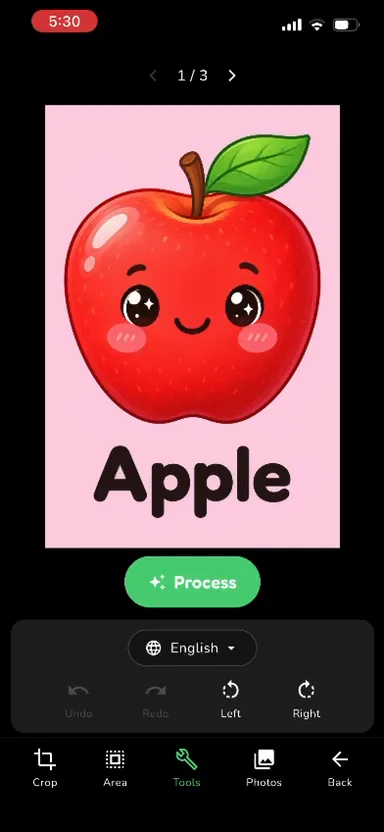
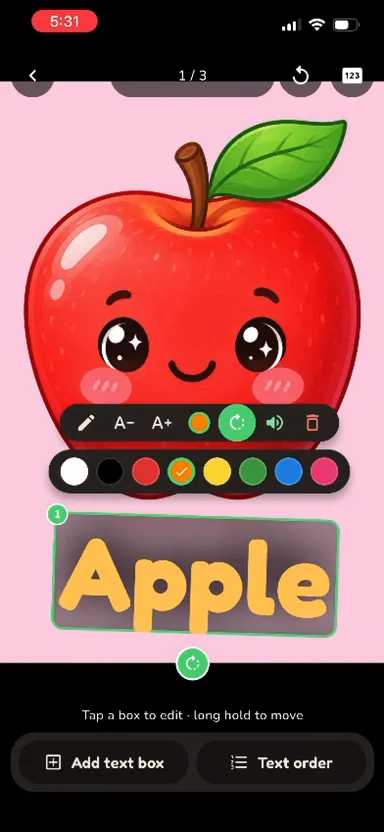
Tidy up the words
Tap a text box to fix the spelling, make it bigger or smaller, pick an ink colour, hear it spoken, or delete it. Long-press to move it. Use Add text box for anything Loro missed, and Text order to set the reading order.
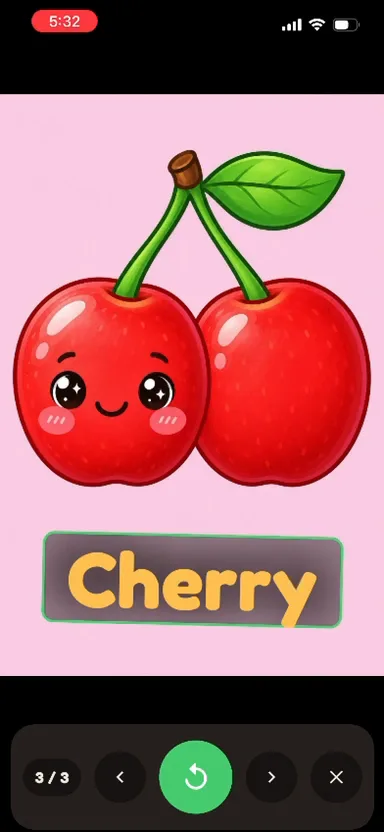
Read it together
Open the book from My Books. In Story mode Loro reads each page and highlights the words; in Practise mode your child reads and Loro scores it. Use the arrows to turn pages.
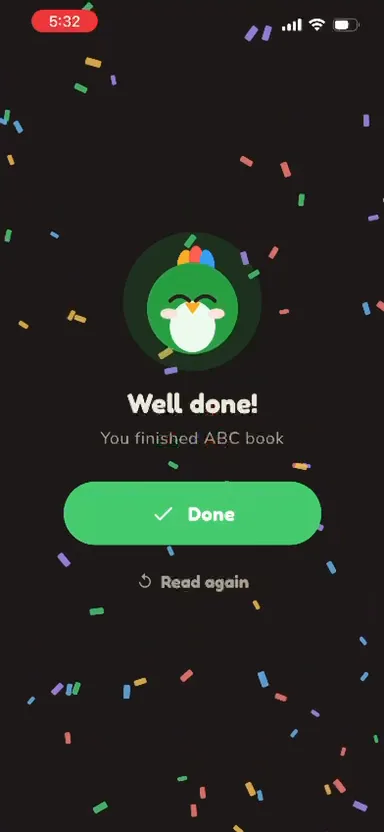
Well done!
Finish the last page for confetti and a cheer. Tap Read again any time — books live on your device and never leave it.
See word books in action
Two books made with this exact flow — one English, one Chinese. Both are free in our community below.
English word book, A to Z
26 fruit pages from Apple to Yuzu. Your child reads each word and LoroBuddy scores it on the spot.
Chinese word book · 水果系列
The same fruit, in Chinese. Loro switches voice with the book, so one app covers both languages.
Want a ready-made book? Just ask.
We share ready-made word books for free in our WhatsApp and Discord communities. Join, tell us what your child is learning, and we will send you the book.
- Join our WhatsApp or Discord community.
- Ask for a book — “fruit A–Z”, or the words your child is learning this week.
- Get the .lorobook file and its password, then import it: My Books → New book → Import file.
Free to join · new books are shared there first
Tips for a great book
One word, big and clear
Flashcards work best: a flat page, good light, and the word large enough to read at arm’s length.
One photo per page
Each photo becomes a page, so photograph one card at a time rather than the whole set.
Practise mode needs a scorer
Story mode works out of the box. For Practise-mode scores, add a free Groq API key once.
Groq key guideReady to make one?
Grab LoroBuddy, snap a few flashcards, and your child has a book that reads with them.